
Description
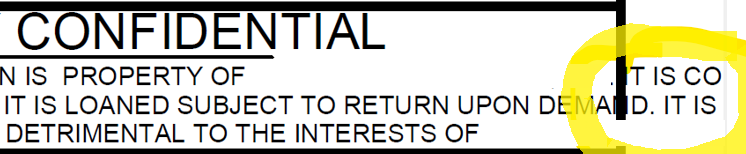
When exporting Inventor drawings to PDF some or all of the text in it doesn't align to its original limits. When opening the drawing on the job processor machine it shows the same issue.
Original drawing, opened on a user machine

Exported PDF
Cause
The only known reason for this is that the drawing uses a font type that is not installed on the job machine. This can also happen with default font types, like Arial, if they were somehow removed.
Solution
Check what font type is used for the affected text and make sure it is properly installed on every job processor machine.